Microsoft Azure update AZlog-analytics-intellisense-improvements.
Azure Monitor Logs IntelliSense has been upgraded. IntelliSense now has a variety of new features designed to make query and insight creation quicker and easier.
Table descriptions
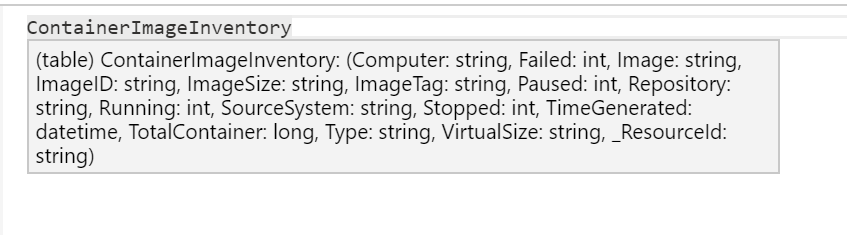
Each table now has an IntelliSense description inline:
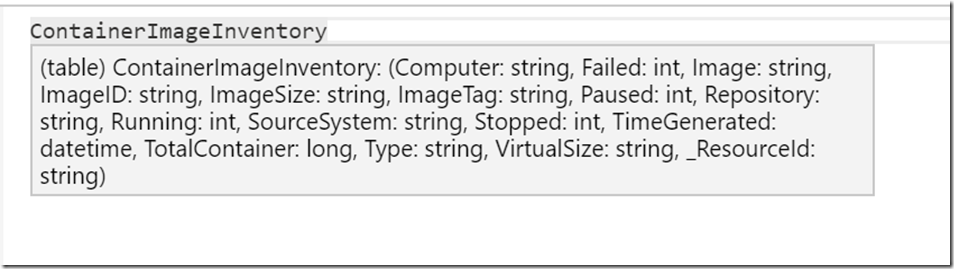
The table description compliments and joins the descriptions Azure Monitor Logs has in the Tables side pane and provides immediate information regarding the table structure.
Better suggestions
The new IntelliSense feature offers better in-query suggestions regarding the next best operator to use:

Inline help
In the new IntelliSense engine, each function has an enhanced built-in description screen, complete with syntax and examples, right in the query editor. Simply click the "i" next to a function for full inline guidance:

The guidance articles contain links to additional documentation and examples.
As we continue to improve IntelliSense experiences, the behavior of some functionality will change. For example, when composing a query, the auto suggestion feature will offer all relevant operators by alphabetical order. These changes are intended to make the flow more aligned among different functions and operators.
We appreciate your feedback. If you have questions or suggestions, please email us.